
Quick Wins for Using AI in Software Testing
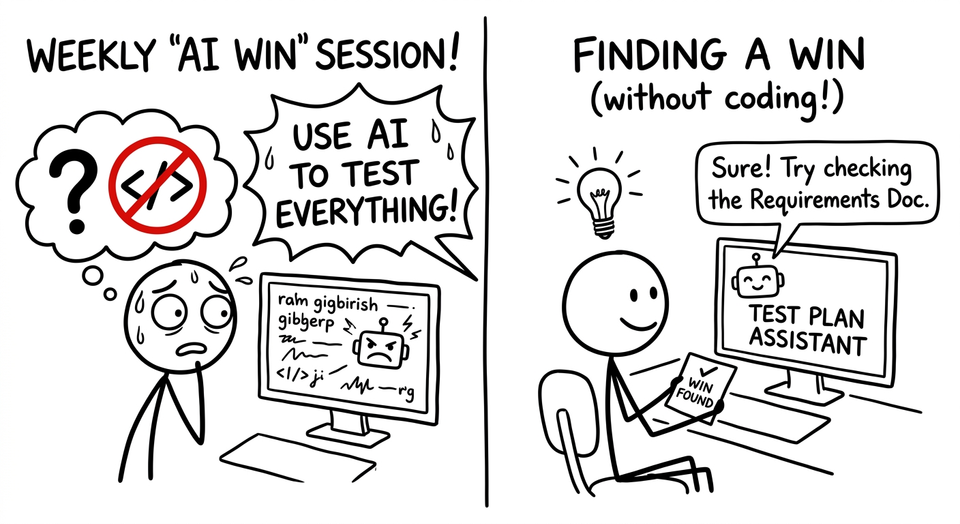
I’ve talked to a few teams lately who are under pressure to find ways to apply AI to their testing. Companies are even going as far as having weekly “AI win” sessions. The easiest wins will come from using AI to help you code. If you are a non-coding tester or non-coding member of an engineering team, how do you get wins?
Quick Wins with AI in Software Testing (Start with Chatbots)
The easiest and most accessible way to get quick wins in applying AI to software testing is through chatbots. Tools that can read local files make this even more powerful. Some of these ideas can directly influence how you test, while others help you navigate complexity around the work you do.
- Review Product Requirement documents to synthesize possible tests and test requirements. Let the chatbot propose ways you could do requirements-based testing.
- Take procedurally written test cases and turn them into support docs. Add some additional context and your procedures. Out will come a support article that can help your customers.
- Review a test strategy. Could be yours or someone else’s. “My developer said she tested this (insert feature description) by doing (dev explanation)”. Point out ways this strategy is incomplete and how I can make it better.
- Generate a script for some quick automation or query. “There are two tables in my database for checking if an order was successful. (Table 1 and Table 2) How do I query them to find order number…?”
- Explain what a code change does. “I see this code in a Pull Request and I think it has a bug. What is this code doing?”
- You could have the chatbot summarize test code too. Copy + paste test code and have it summarize the tests in simple BDD terms.
- Show how to do something. “How do I access this API in my terminal?”
- Explain error messages or stack traces. This is useful for figuring out where an issue might be. Did you cause a problem or did you fat finger something?
- Translate a question from an executive into plain English. Then translate your response back to executive speak!
- Give feedback or ranking of your test choices. “I wrote 10 tests for these changes in our application”. Did I do a good job? What would you have done?
- Draft internal documentation like decision records or technical pages. Grab slack discussions and have a chatbot clean them up and summarize.
Words of Caution
AI in general and chatbots in particular produce an output that differs each time. That output might be helpful or it might be wrong. Toss out the bad ideas. (If you don’t know which ideas are bad: take the output from one chatbot and give it to another. Ask the other chatbot if it thinks any of the ideas are bad.)
All of these chatbots take a lot longer to run than traditional tools. So be wary of people who say things like “Use AI to check your webpage for accessibility.” It’s much faster and cheaper to use existing tools and/or plugins.
Your Wins
Next time you’re in that weekly win session, you’ll have more than just a chatbot script to show for it!
Which one works for you?
Member discussion